BlogUpdates
Teevy 1.2.2: Android fixes, Movies & shows on every TV
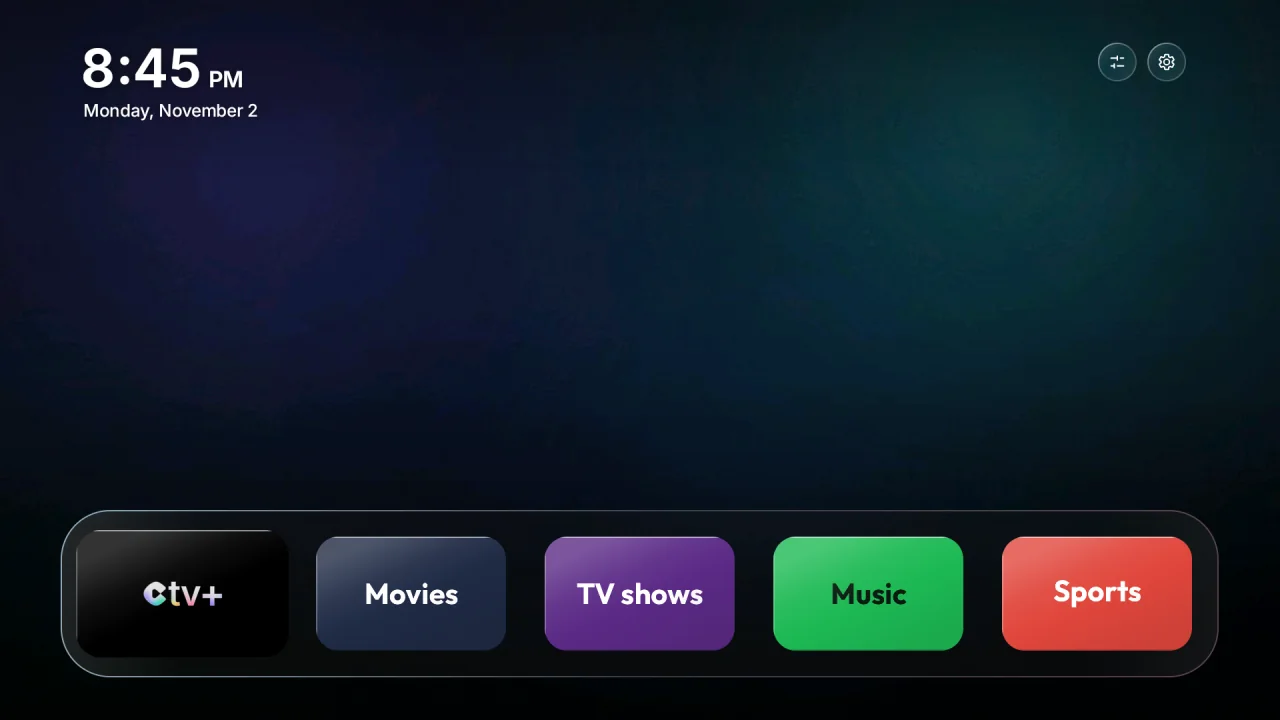
Teevy 1.2.2 is available on the App Store and Google Play. It’s a reliability update, built from your messages: everything that got stuck on Android phones is fixed, the Movies & shows style now shows up on every TV, and Teevy recognizes even more models.
- Version
- 1.2.2
- Available on
- App Store and Google Play
- Recognized TVs
- 442, up from 407 in 1.2.1
- TV home screen
- Version 1.25
- Languages
- 29
- Update
- From your phone’s store, then “Update the TV” in My TV
Android phones, finally running smoothly
- Glass, Aurora and Landscapes backgrounds: on some Android phones, picking one of these styles blocked the optimization. They now apply everywhere, and if a background really won’t go through, Teevy carries on with the Black style instead of stopping.
- Confirmation windows: the “Put it all back”, “Continue” and “Turn on” buttons didn’t always respond. Now they respond to every tap.
- Remote: opened with no TV connected, it stayed empty. Your list of TVs and the demo TV now show up properly.
- Android 16 and 17: Teevy asks for permission to access devices on the local network, which it needs to find the TV on these versions.
Movies & shows on every TV
- On some 4K TVs, the home screen stayed black with this style. Posters are now prepared at the right size before they’re sent, and the home screen shrinks an image that’s too large on its own instead of rejecting it.
- The title or logo always matches the poster, even when images scroll by quickly.
- The posters the TV refreshes every day are checked before they replace the old ones.
More TVs, better recognized
- 442 TVs with a tested list, up from 407.
- Nebula projectors are recognized as their exact model, with their full list.
- On TCL TVs, you choose before the optimization whether to keep Alexa or turn it off.
- The Netflix, Prime Video and YouTube buttons on the TCL Q8C remote work with the Teevy home screen.
- The TV search leaves out Cast-compatible speakers and amplifiers, which have no screen.
More reliable
- Better Wi-Fi checks: after “Forget all networks” on the TV, the Teevy home screen is no longer wrongly refused.
- Safety timer: it now starts on the Xiaomi TV Box S too.
- CTV+ is removed from the TV when you uncheck it.
- My TV always tells you why the original home screen is kept, and a clear message appears when the TV stops responding.
- Faster Home button mode on TVs running Android 11 and earlier.
- Teevy checks every app name before sending a command to the TV.
On the TV home screen
- An app library at the end of the home screen, with all your apps.
- The time is always right after standby.
- Adding an app to the dock works every time.
To get all of this on the TV, open Teevy after the update: My TV offers you “Update the TV”, in one tap, without touching your choices.
A problem, an idea?
Write to us at contact@teevy.app: this version comes largely from your messages.