Most smart TVs come with dozens of preinstalled apps. They start on their own, fill up the memory and turn your home screen into a billboard. Teevy turns them off, so the TV you paid for is truly yours again.
Does your TV work with Teevy?
443 known models, from TCL to Sony, Xiaomi, Philips and Fire TV.
How it works
Four steps. A few minutes. No computer.
01
Find your TV.
Teevy spots the TVs on your Wi-Fi, then guides you through the two settings it needs, with the menus of your model.
02
See what slows it down.
A quick check-up counts the apps running for nothing: sponsored rows, tracking, demo mode, background services.
03
Pick your home screen.
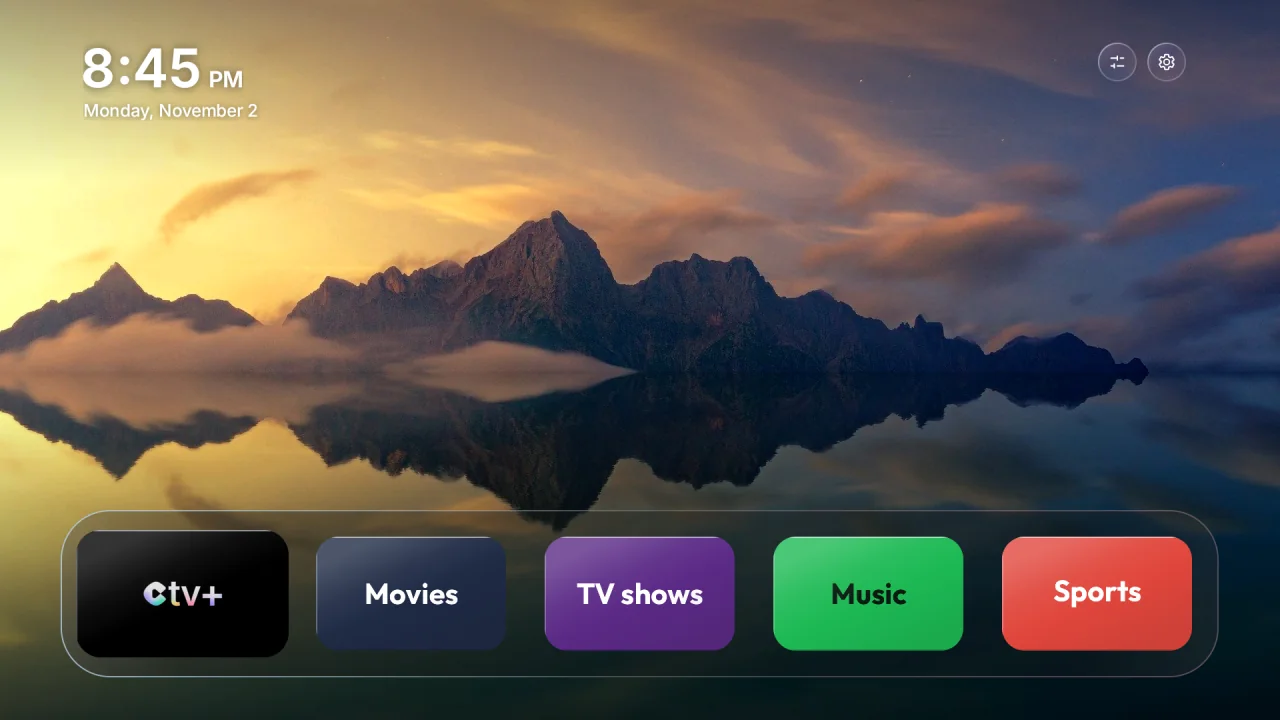
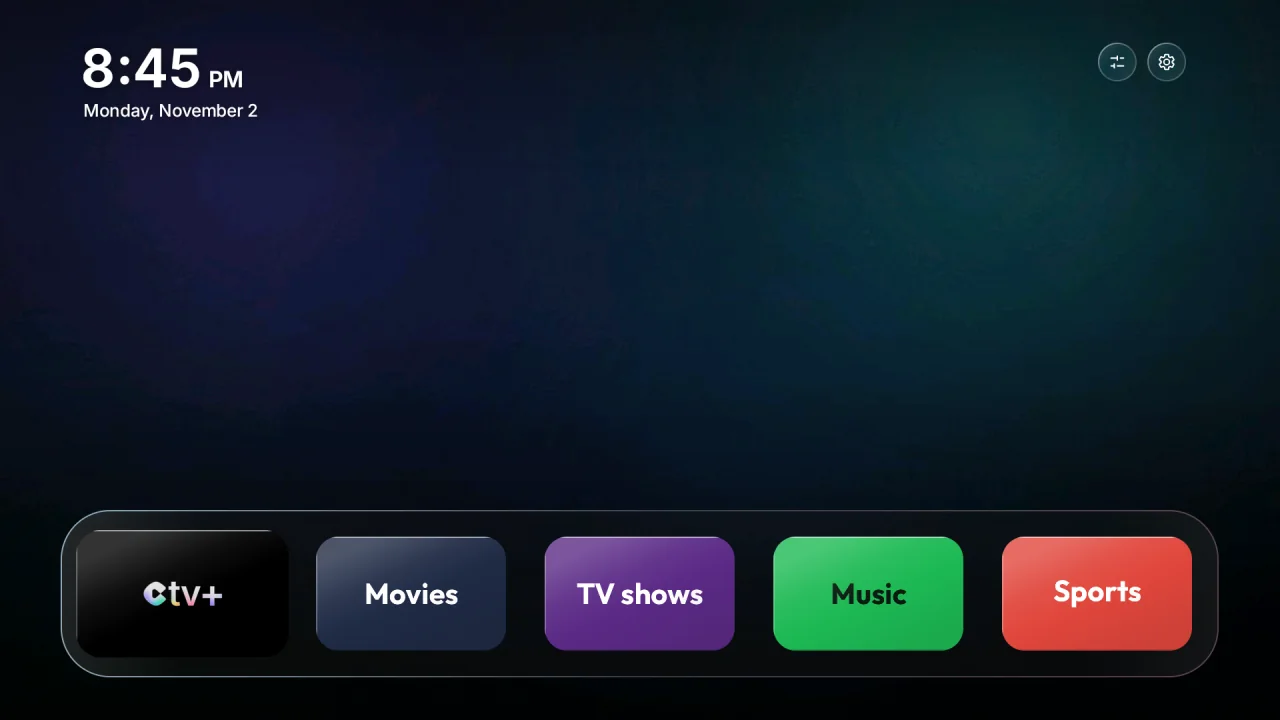
Black, Glass, Aurora, Landscapes, or a photo from your phone. You can change the style anytime.
04
Teevy handles the rest.
First a restore point, then the cleanup and your new home screen. Just keep the app open.
The Teevy home screen
Your apps, big and clear. Nothing else.
The time, the date, the weather if you like, and your favorite apps in a glass dock. No sponsored rows, no trailers that play on their own.
14 landscape photos, a new one every hour, its name signed in the corner.
Your own photo
Pick a photo from your phone. Teevy fits it to the screen, even in portrait, over a soft blurred background.
A control center
Your inputs and TV settings as shortcuts, in small glass tiles that open from the corner.
CTV+, if you want
Teevy can install CTV+ and put it first in your dock. It's always shown, and always your choice.
Everything is reversible
Nothing is deleted. Everything goes back to how it was.
Apps are turned off, never erased. A restore point is saved before any change, and “Put everything back” gives you your TV back exactly as it was.
The details, app by app
Ads and sponsored rows3 of 3
Tracking and statistics3 of 3
Demo and store mode1 of 1
Background services1 of 1
Turned off, not deleted: you can turn them back on anytime.
443
TV profiles, for lists tailored to your model
2 min
to do it all, from your couch
1 tap
to put everything back
0 cables
your phone and your TV on the same Wi-Fi, that's all
Privacy
What happens on your TV stays between you and your TV.
No account
Nothing to sign up for. Open the app and start.
No ads, no tracking
Teevy doesn't collect, profile or sell anything about you or your TV.
Everything stays on your Wi-Fi
Your phone talks directly to your TV. What Teevy reads stays on your phone and on your TV.
Give your TV a fresh start.
Teevy is on the App Store and Google Play. Install the app, join your TV's Wi-Fi, follow the guide.
TVs and boxes running Android TV or Google TV: TCL, Sony, Xiaomi, Philips, Hisense, Nvidia Shield, Chromecast with Google TV and many more. Teevy recognizes your model and adapts every step. Samsung and LG TVs use other systems: they are not compatible.
Do I need a computer or a cable?
No. Everything happens from your phone, over the Wi-Fi your TV already uses.
What exactly does Teevy change?
It turns off useless preinstalled apps, can replace the home screen with the Teevy home screen, and can add CTV+ to your dock if you leave the box checked. You see the full list before anything changes, and nothing happens without your OK.
Can I go back to my TV as it was?
Yes. Teevy saves a restore point before the first change. “Put everything back” turns all the apps back on and brings back your old home screen. You can also turn apps back on one by one.
Why does Teevy ask me to turn on debugging?
On Android TV, another device can only manage apps through the TV's debugging option. You turn it on yourself, you allow your phone on the TV screen, and you can turn it off anytime. Teevy shows you the exact menus for your model.
Does Teevy collect my data?
No account, no ads, no tracking, and nothing is sent to our servers. If you choose to show the weather on the home screen, the TV only asks a weather service for your city's forecast.
My TV just updated, what should I do?
Some updates bring preinstalled apps back. Open Teevy, choose your TV and run a check again: they're turned off again in a moment.